
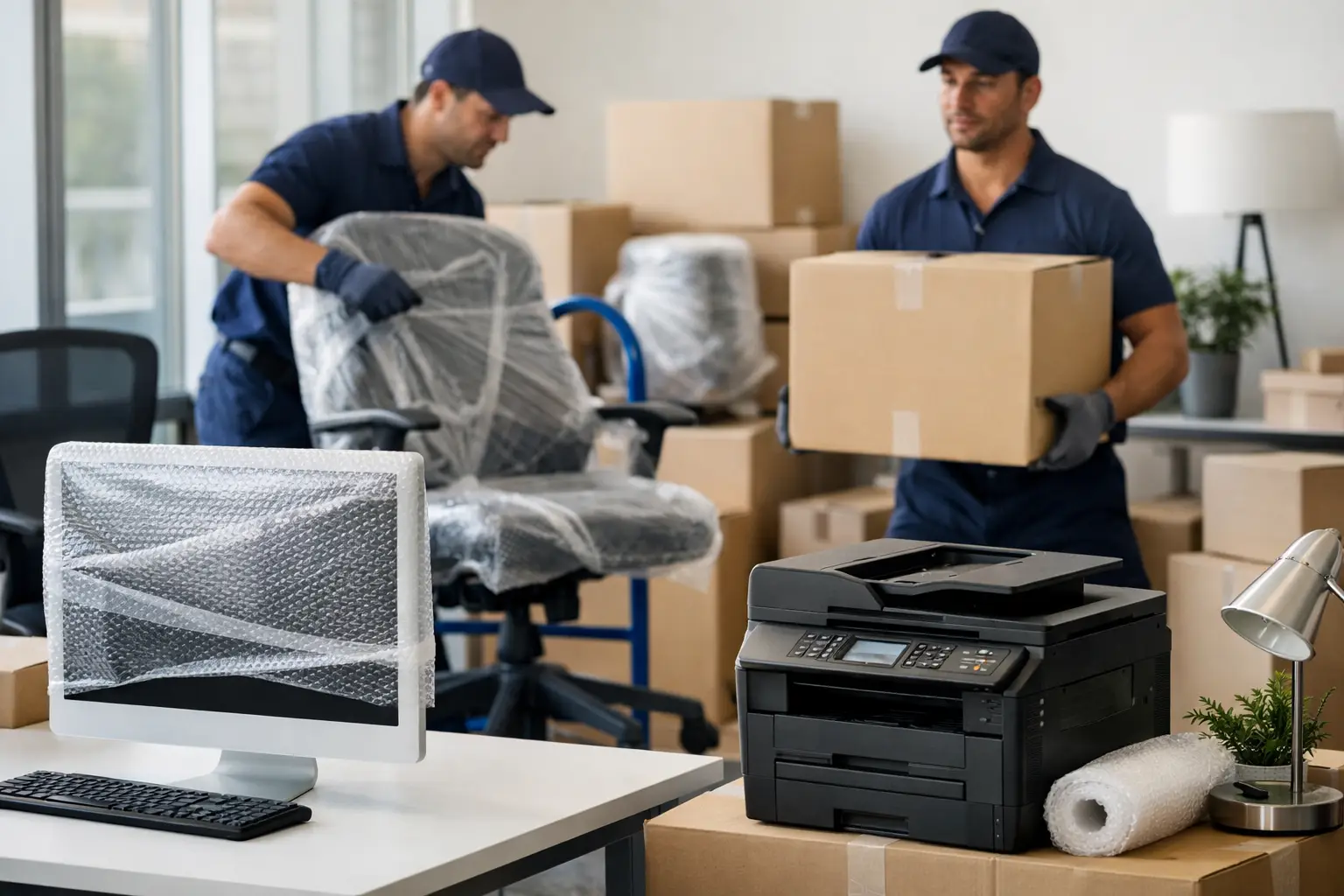
A single dropped monitor or a missing cable can slow an office down faster than most people expect. When you are planning a business relocation, knowing how to move office equipment properly is not just about getting items from one building to another. It is about protecting expensive assets, avoiding downtime and making sure your team can get back to work quickly.
Office moves often look simple from the outside. Desks, chairs, computers and filing cabinets all seem manageable until moving day starts. Then you are dealing with awkward lifts, delicate screens, confidential paperwork, tangled leads and the pressure of keeping disruption to a minimum. A well-planned move makes all the difference.
How to move office equipment without disrupting the business
The safest office moves start well before the first item is lifted. Planning should begin with a clear inventory of what is actually being moved. That includes IT equipment, printers, telephones, meeting room screens, server units, desks, storage cabinets and any specialist machinery the business relies on.
It helps to separate items into three groups: equipment that will move to the new premises, equipment that needs secure disposal and equipment that should go into storage. This avoids paying to transport items that are no longer useful and keeps the new space more organised from day one.
Timing matters just as much as packing. Many businesses choose evenings, weekends or quieter trading periods to reduce interruption. That approach works well, but only if access to both sites has been checked in advance. Lifts, loading bays, stairwells, parking restrictions and key collection can all affect how quickly a move can be completed.
If your office has multiple departments, appointing one contact from each area usually saves time. They can confirm what is moving, identify priority equipment and make sure staff clear personal items before the removal team arrives.
Start with a proper equipment audit
Before anything is packed, create a room-by-room list. Include serial numbers for valuable items where possible, especially laptops, monitors and specialist devices. This gives you a working record for insurance, unpacking and checking everything has arrived.
Labelling needs to be practical rather than overcomplicated. Each item should show its destination room and, if relevant, the desk or team it belongs to. Cables and accessories should be labelled to match the equipment they belong with. This sounds minor, but it is one of the biggest time savers during setup.
It is also worth checking what can be dismantled safely. Some office furniture should be taken apart to reduce the risk of damage and make transport easier. Other items, particularly certain storage units or specialist desks, may be safer moved intact. It depends on the design, the access route and how likely they are to weaken if disassembled.
Packing office equipment the right way
Packing is where many office moves either stay on track or start going wrong. Office equipment is a mix of heavy, fragile and awkwardly shaped items, so using the right materials matters.
Computers, monitors and similar electronics should be cushioned with protective wrapping and packed in strong boxes or crates. Original packaging is ideal when available, but it usually is not. In that case, good quality packing materials and careful handling become essential. Screens should never be packed loose in a van, even for a short journey.
Cables, keyboards, mice and small accessories should travel together in clearly labelled containers. Loose leads cause confusion and waste time when staff are trying to get back online. For larger offices, packing each workstation as a single labelled unit makes reinstallation far more straightforward.
Printers and photocopiers need extra care. Removable trays, toner cartridges and loose components should be secured or removed according to the manufacturer guidance. Some heavier machines need specialist handling equipment to avoid both damage and injury.
Filing cabinets are another common issue. They may look stable, but they become dangerous if drawers slide open during lifting or transport. Empty them where possible. If paperwork needs to stay together, use archive boxes with clear labels and keep confidential documents separate from general files.
How to move office equipment safely when lifting and loading
Knowing how to move office equipment safely means respecting the physical risks as much as the financial ones. Office relocations involve more manual handling than many people realise. Desks are bulky, cabinets are heavier than expected and IT equipment can be fragile even when it looks sturdy.
The first rule is simple: do not ask office staff to lift items they are not trained or equipped to handle. That increases the chance of injury and often leads to damaged equipment as well. Professional movers use the right lifting methods, trolleys, straps and protective coverings to manage awkward items properly.
Loading order matters too. Heavier furniture should be secured first to create a stable base. Fragile electronics should be protected from shifting items and should not be stacked in ways that put pressure on screens or casings. If the move includes a mix of furniture and technology, these loads need to be planned rather than packed in a rush.
Weather is another factor businesses sometimes overlook. In the UK, rain can appear halfway through loading with little warning. Protective covers, sensible vehicle loading and a clear route into the building help prevent avoidable damage.
Protecting IT systems and data during the move
For many businesses, the biggest concern is not the desks or chairs. It is the downtime linked to phones, internet access, computers and shared systems. That is why IT planning should sit at the centre of the move, not at the end of it.
Back up all critical data before moving day. Even with careful handling, no business should rely on physical equipment alone. If your company has an internal IT team or external support provider, involve them early. They can guide shutdown procedures, identify high-risk equipment and help prioritise what must be reconnected first.
Servers and network equipment need particular care. Some can be moved safely with proper preparation, while others may need specialist handling or staged relocation to avoid longer outages. The right approach depends on how your systems are set up and how much downtime the business can tolerate.
It is also sensible to prepare a first-day essentials setup. That might include key laptops, phones, routers, chargers and access credentials needed to get the business functioning quickly in the new space.
When to use a professional office removals team
Some very small offices can manage a light move internally, especially if there is minimal furniture and limited equipment. Even then, the hidden costs can add up. Staff time, business interruption, vehicle hire, packing materials and the risk of damage often make a professional service the more cost-effective option.
For larger offices, multi-floor premises or businesses with valuable IT and specialist equipment, professional support is usually the safer choice. An experienced removals team will know how to protect equipment, manage access issues and keep the move moving on schedule. Full insurance also gives businesses added reassurance if something unexpected happens.
This is where a full-service approach is often more useful than a basic van-and-driver option. Packing support, dismantling and reassembly, careful loading and temporary storage can all remove pressure from internal teams. For businesses moving under tight deadlines, that flexibility matters.
Companies such as Cresswell Transportation support office moves with the practical help businesses actually need – careful handling, experienced crews, flexible scheduling and clear planning from the start.
What to do once everything arrives
The move is not finished when the van is unloaded. Before staff settle in, check key equipment against the inventory and inspect anything fragile or high value. It is easier to spot issues and resolve them quickly when the move is still fresh.
Set up priority areas first. Reception, phones, internet connections and core workstations usually need immediate attention. Less urgent spaces, such as archive storage or breakout areas, can follow once the business is operational.
Encourage staff to report missing items, damaged equipment or setup problems straight away. Small delays are common after a move, but they are much easier to fix when there is a clear record of what has been unpacked and tested.
Moving an office will always involve pressure, but it does not have to feel chaotic. With the right planning, careful packing and experienced support, your equipment can be moved safely and your team can get back to work with far less disruption than you might expect.
Leave a Reply